Plugin Overview
Convert and resize uploaded videos into HTML5-friendly MP4s with our Media Converter plugin. Offer FLV as an alternative format, add watermarks, and run conversions on a separate server for maximum scalability. Requires FFMPEG on your server; use qt-faststart for streamable MP4s.
Video Conversion
-
HTML5-Friendly MP4 & FLV
Convert uploaded videos to MP4 for broad compatibility; FLV supported as an alternative format. Better support for iPhone and iPad with no reliance on third-party players.
-
Resize & Watermark
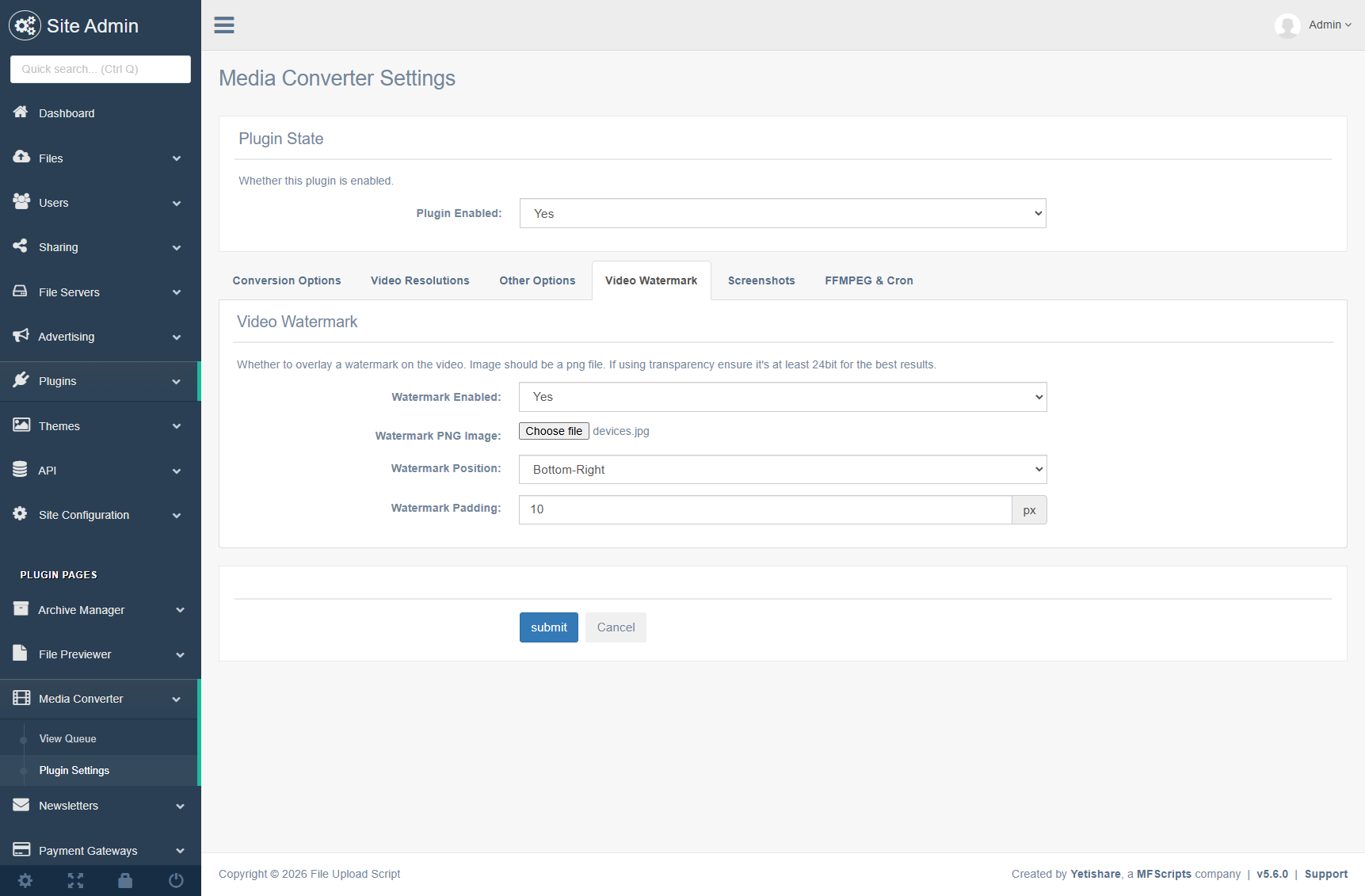
Resize videos to your chosen dimensions with proportions constrained; add a PNG watermark with configurable position and padding.
-
WebM Support
Support for video conversion to WebM in addition to MP4 and FLV output.
Queue & Control
-
Converter Queue
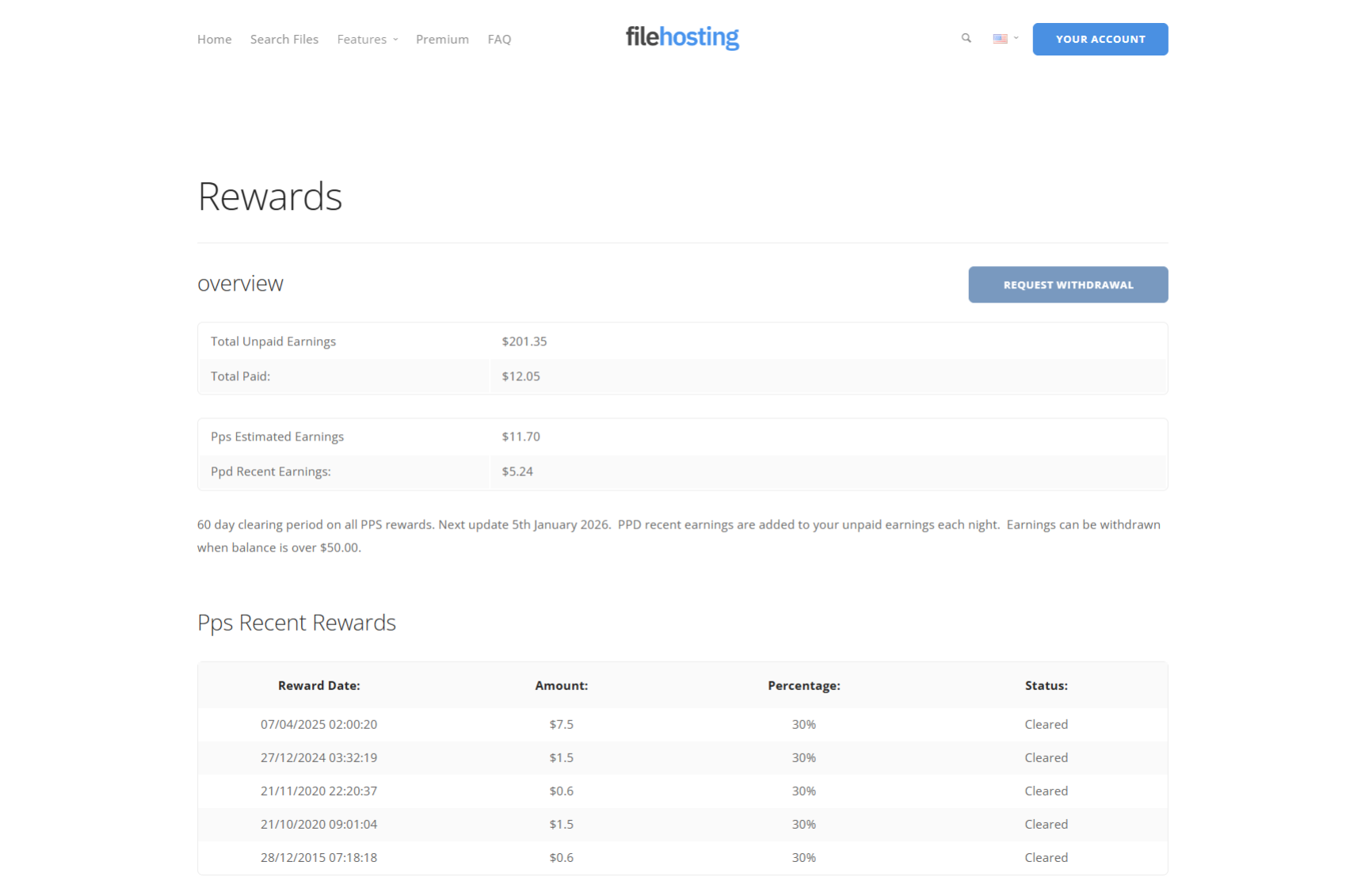
View queue stats and items via the converter plugin page; limit maximum concurrent conversions to protect your CPU.
-
Cancel, Redo & Schedule
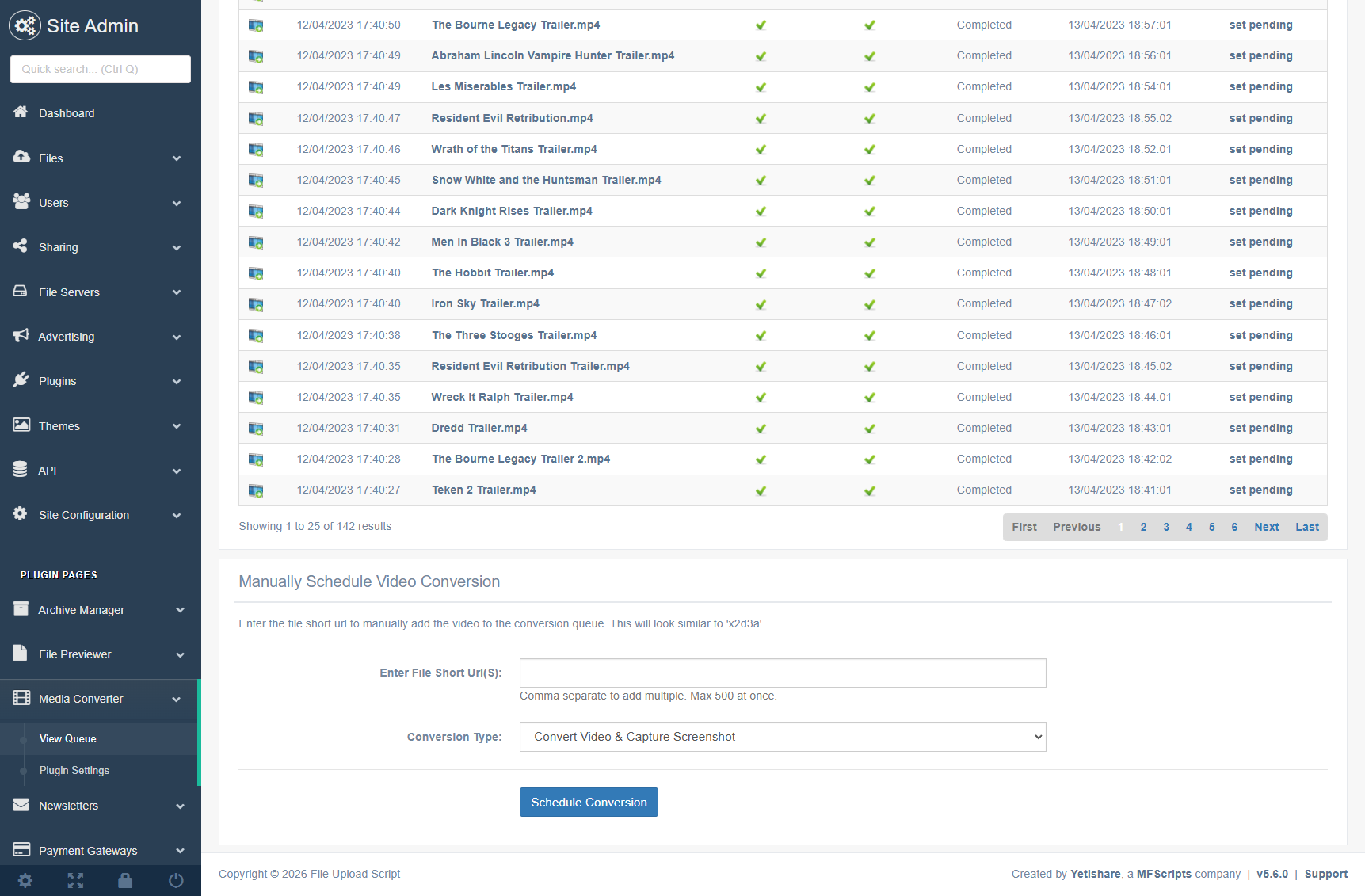
Cancel or redo a conversion from the admin area; manually schedule one or more videos from the queue listing page.
-
Screenshots & Cache
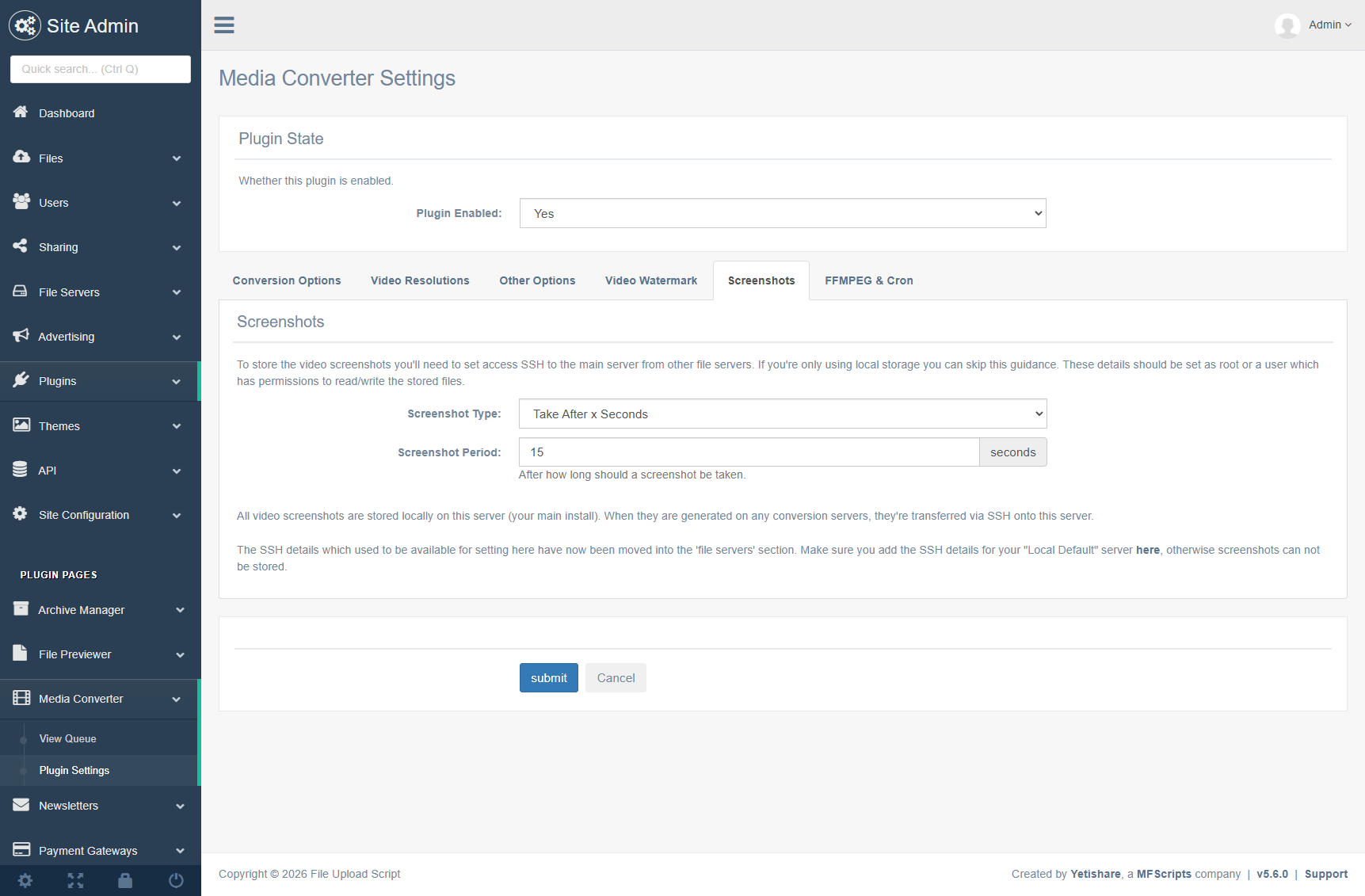
Option to capture only video screenshots; centralised screenshot storage in global site cache with auto-removal on media deletion.
Flexible Deployment
-
Independent Converter Script
The converter is built to be independent of the main upload script so you can run it on its own server; copy the file, set database details and go.
-
SSH & Cron
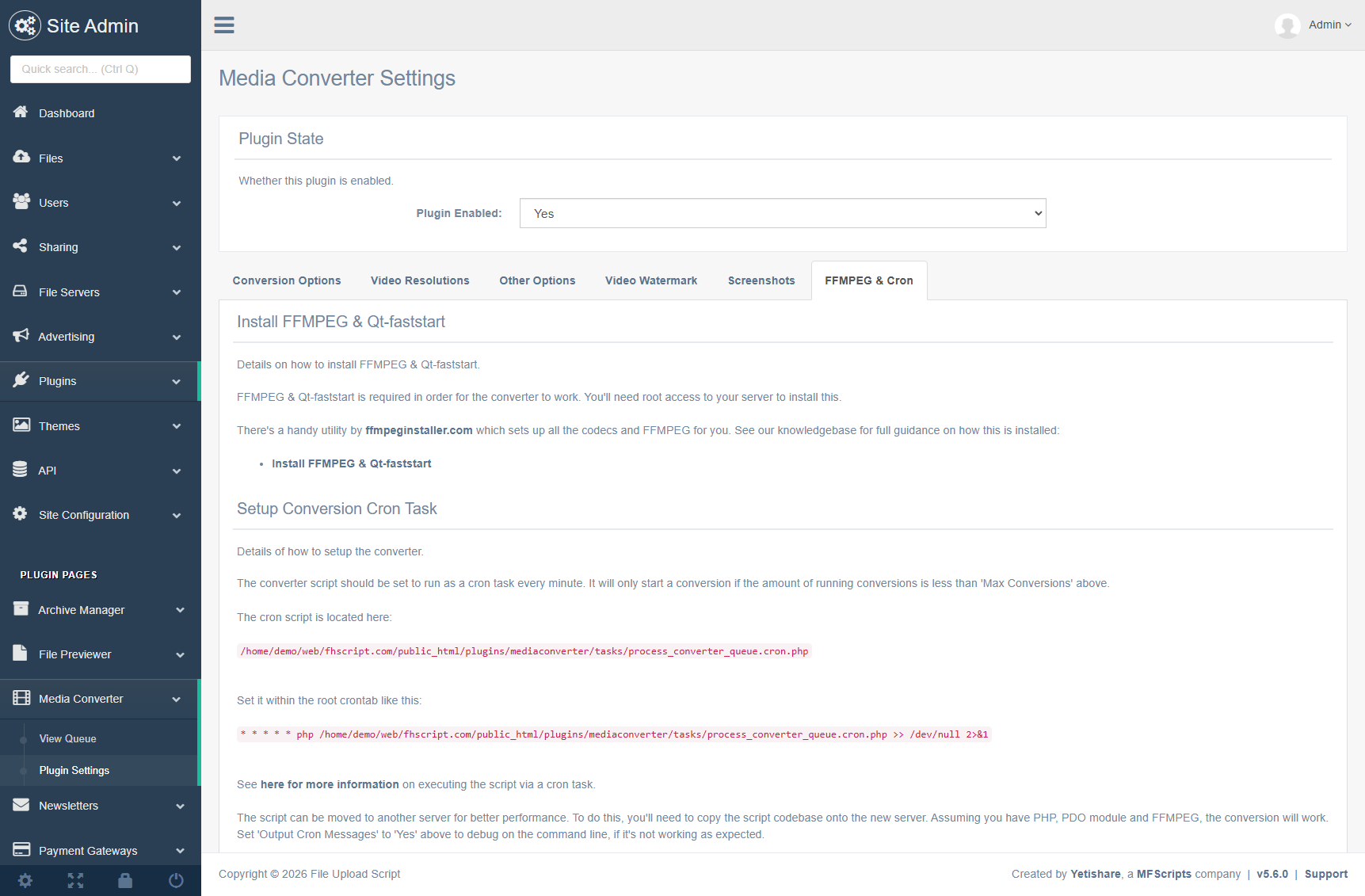
Set SSH details when running conversions on another server; included guidance on setting up the converter as a cron job.
-
Scalable
Set up the converter on additional servers to run more conversions in parallel.
Requirements
-
FFMPEG
FFMPEG must be enabled on your server. For streamable MP4s, ensure qt-faststart is available (sometimes part of FFMPEG).
-
Installation Guidance
Detailed guidelines on installing FFMPEG are available (e.g. ffmpeginstaller.com). Root SSH access may be needed. Ensure it is working before purchasing.
Features
Powerful administrative tools for managing the Media Converter plugin.
- Settings:
- Added option to keep the originally uploaded file. Converted file will be stored as a new file and linked to the original.
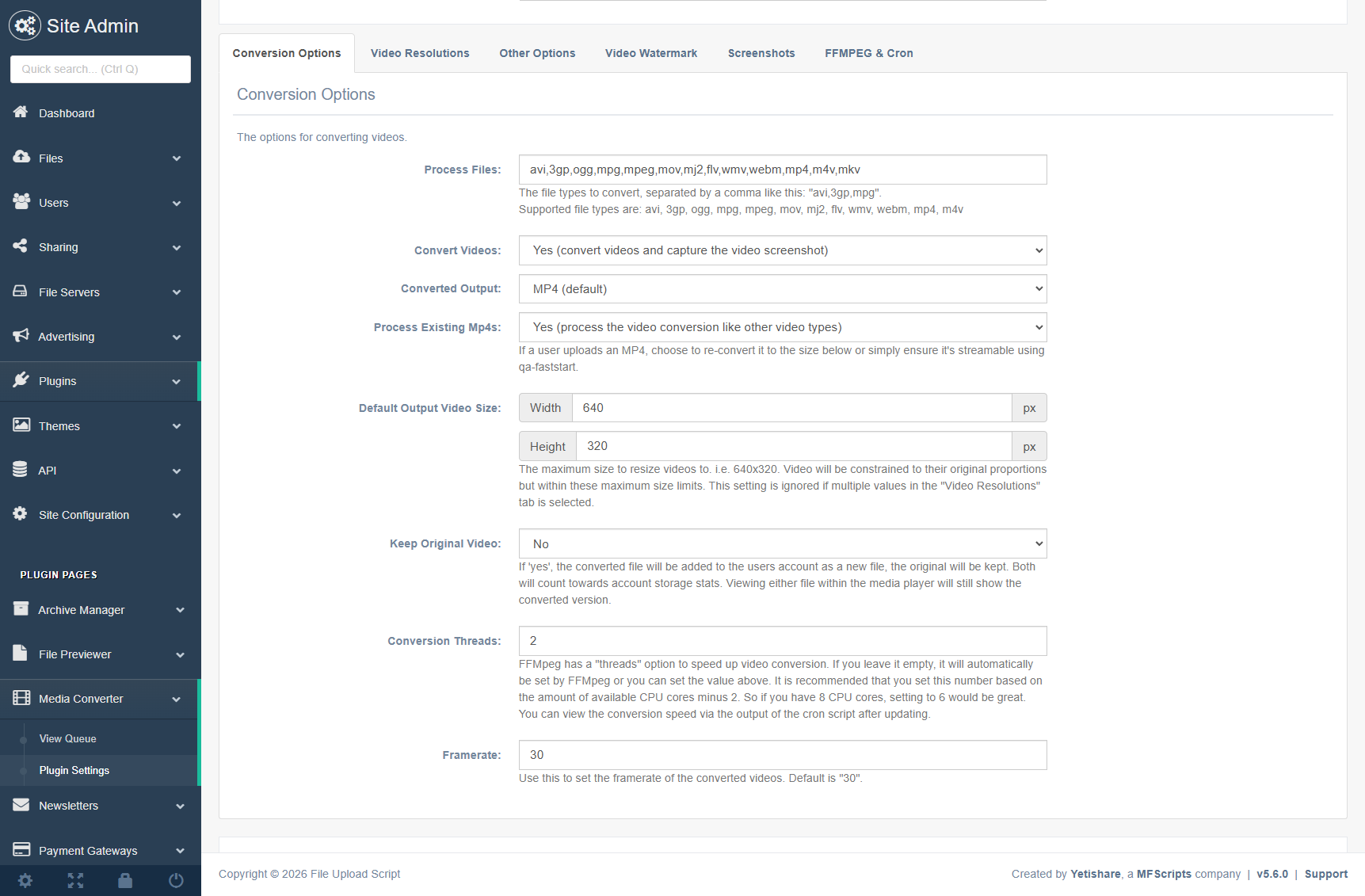
- The file types to convert, i.e. avi, 3gp, ogg, mpg, mpeg, mov, mj2, flv, wmv, webm.
- The output format, mp4 or flv.
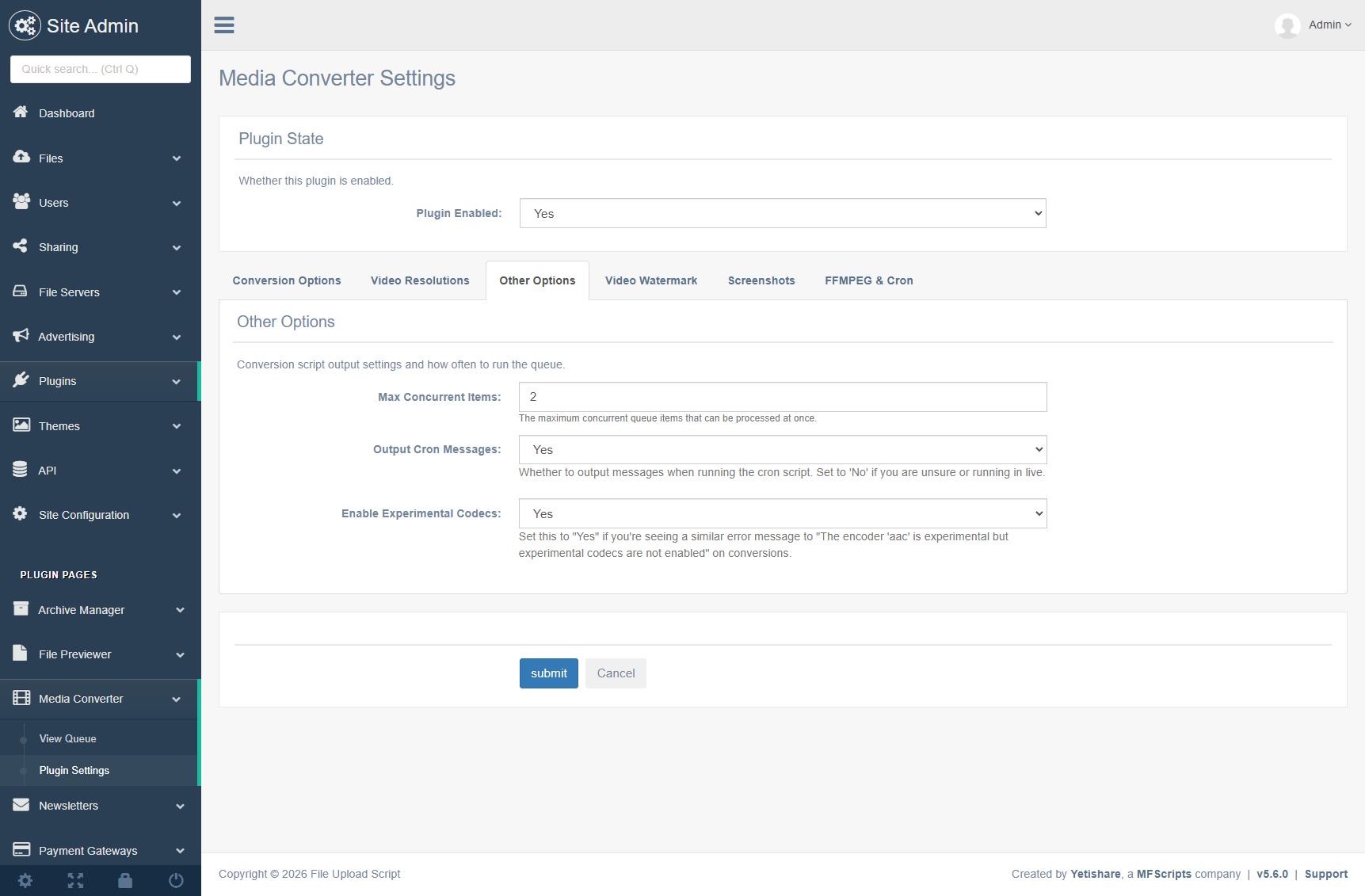
- The maximum concurrent conversions. Use this to limit to total conversions running at once to protect your CPU from overuse.
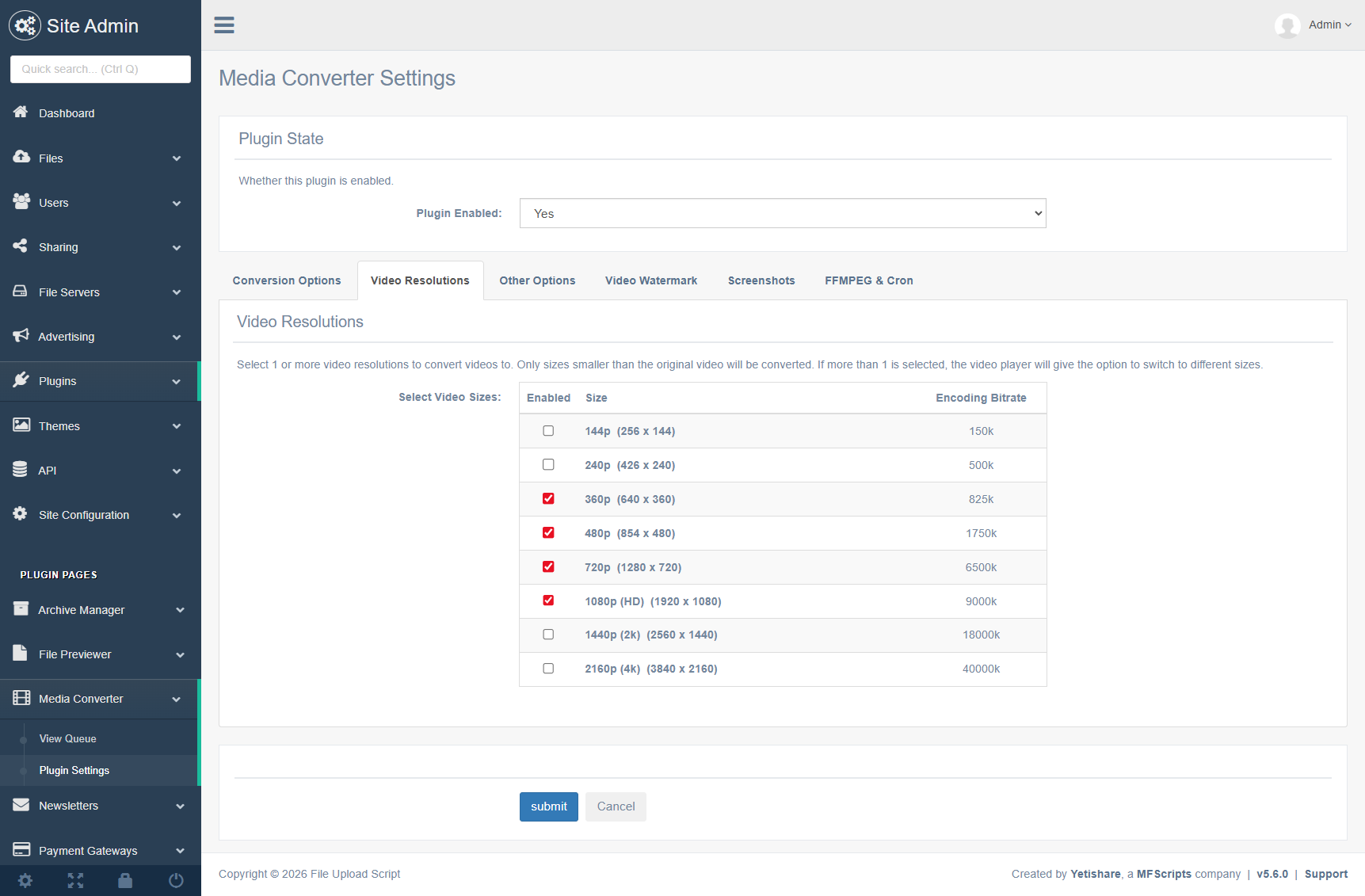
- The size to resize videos to. Proportions are constrained so images are not stretched on resize.
- Add video watermark: Watermark PNG Image. Watermark position. Watermark padding.
- Framerate option to convert.php to speed up conversions. Default set to 30fps.
- If running the conversions on another server you will need to set SSH details so the converter can access the uploaded files.
- Details on how to setup the converter as a cron job included.
- Option within the plugin settings to capture only video screenshots.
- Option to manually schedule 1 or more videos to be converted. Form on the bottom of the queue listing page. Optionally choose to capture only the screenshot or convert the video.
- Better support for iPhone & iPad by converting to mp4. In addition there's no reliance of third party players.
- Detailed guidelines on how to install ffmpeg with ffmpeginstaller.com.
- View current converter queue stats and queue items via converter plugin page.
- Cancel or redo a conversion via admin area.
- Automatically fail any conversions which have been in processing status for more than 1 day.
- Cancellation of any pending conversions if file deleted.
- Centralised storage of screenshots in global site cache.
- Auto removal of any cache (screenshots) on deletion of media.
- PHP Conversion Script:
- The converter is built to be independent of the main file upload script code so you can move it onto its own server. Just copy the converter file onto another server, set your database access details and you're ready.
- The converter script is also extremely scalable, just set it up on additional servers to enable more conversions to run.
- Support for video conversion to webm.
- Note: You will need FFMPEG with qt-faststart installed in order to use this plugin. Please ensure you have it working before purchasing. Root SSH access may be needed to install this.
Screenshots
Media Converter Plugin Plugin Demo
Use the sections below to see a fully functional demo of the plugin.