Resumen del plugin

Use our WebDAV plugin to enable access to your Yetishare files directly on mobile, tablet and desktop. WebDAV is well supported in many operating systems as well as hundreds of mobile and desktop apps.
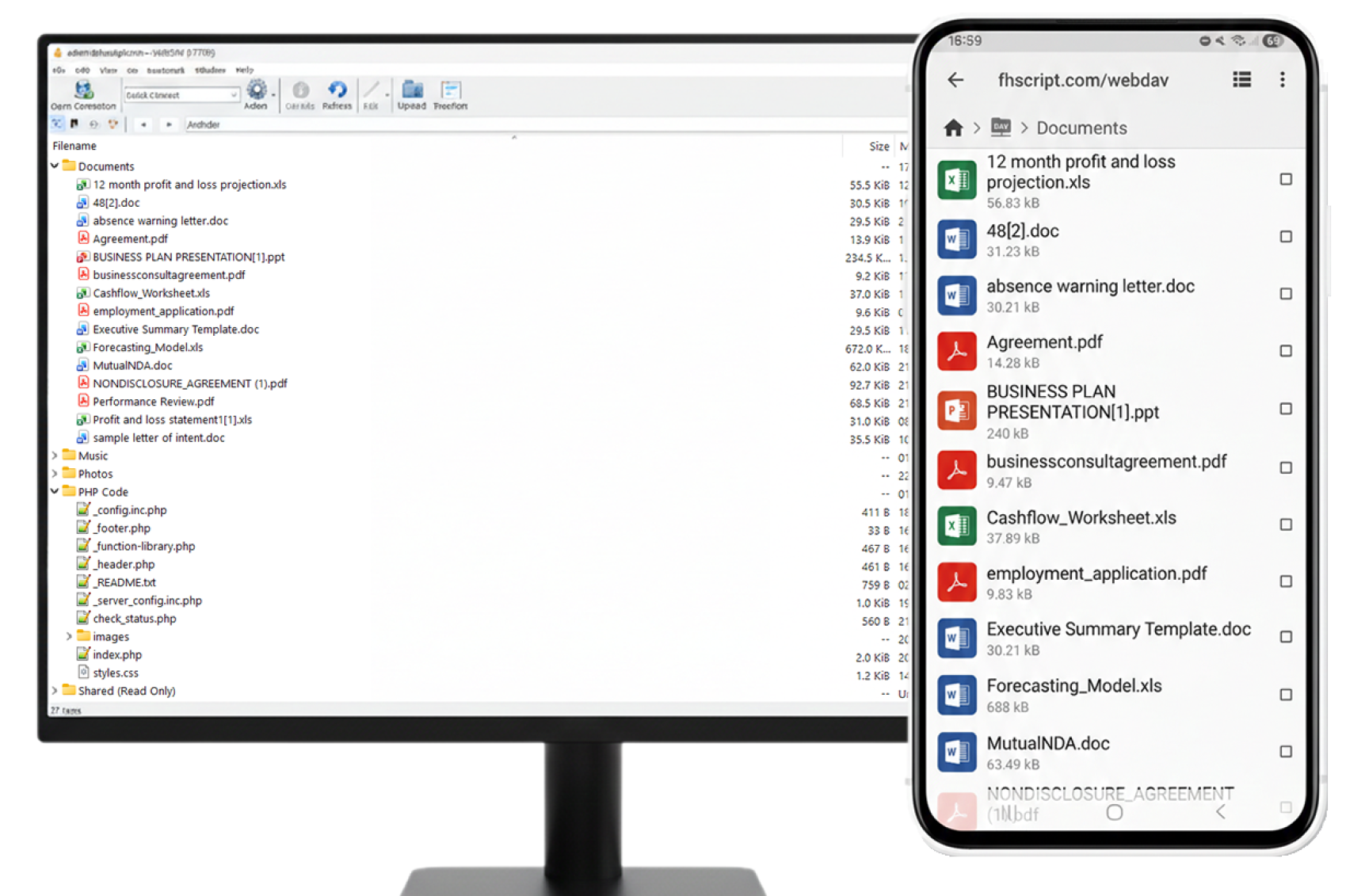
Cross-Device Access
-
Full Platform Support
Full support for Android, iOS, Windows, Mac, Linux and more using our recommended apps. Truly cross-device and cross-OS.
-
No Custom Apps Required
No reliance on development of mobile apps for different platforms. Use well-established apps to enable your users to manage their files.
Sync & Manage
-
Dropbox-Style Sync
Use a Dropbox-style sync tool to synchronise your files on desktop and mobile.
-
Full File Operations
Support for adding, moving, deleting, renaming and editing files and folders.
Secure & Compliant
-
HTTPS Support
Support for HTTPS. (Known issues with the free CloudFlare HTTPS certificate; you will need to purchase a certificate for your domain if using CloudFlare HTTPS.)
-
Account Limits Respected
Matches account limitations such as max upload file size, account login security, max account storage and more.
User-Facing Guide
-
Dedicated Front-End Page
New front-end page to explain to your users how to connect via WebDAV.
Funciones del sitio
Comprehensive front-end features that enhance user experience and engagement.
- Full support for Android, IOS, Windows, Mac, Linux etc using our recommended apps. It really is cross device/OS.
- No reliance on development of mobile apps for different platforms. Use well established apps to enable your users to manage their files.
- Use a Dropbox style sync tool to syncronise your files on desktop & mobile.
- Support for adding, moving, deleting, renaming, editing files and folders.
- Support for https. (known issues with the free CloudFlare https certficate, you will need to purchase a certificate for your domain if using CloudFlare https)
- Matches account limitations like max upload filesize, account login security, max account storage etc.
- New front-end page to explain to your users how to connect via WebDav.
Funciones de administración
Powerful administrative tools for managing your WebDAV plugin.
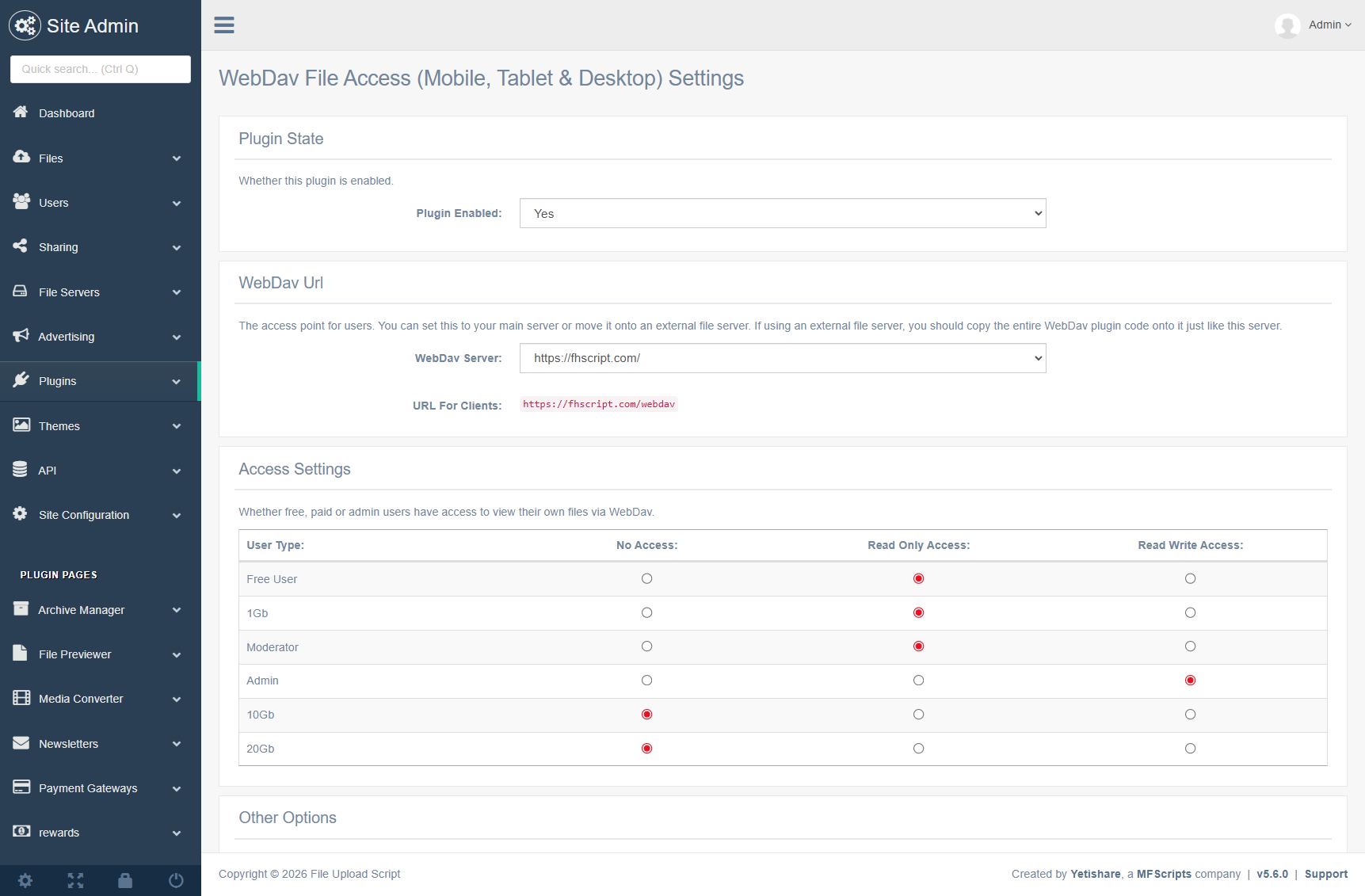
- Choose which file server to use as the WebDAV server.
- Permissions based on user type. For Free (registered), Paid, Moderator & Admin:
- No Access
- Read Only Access
- Read Write Access
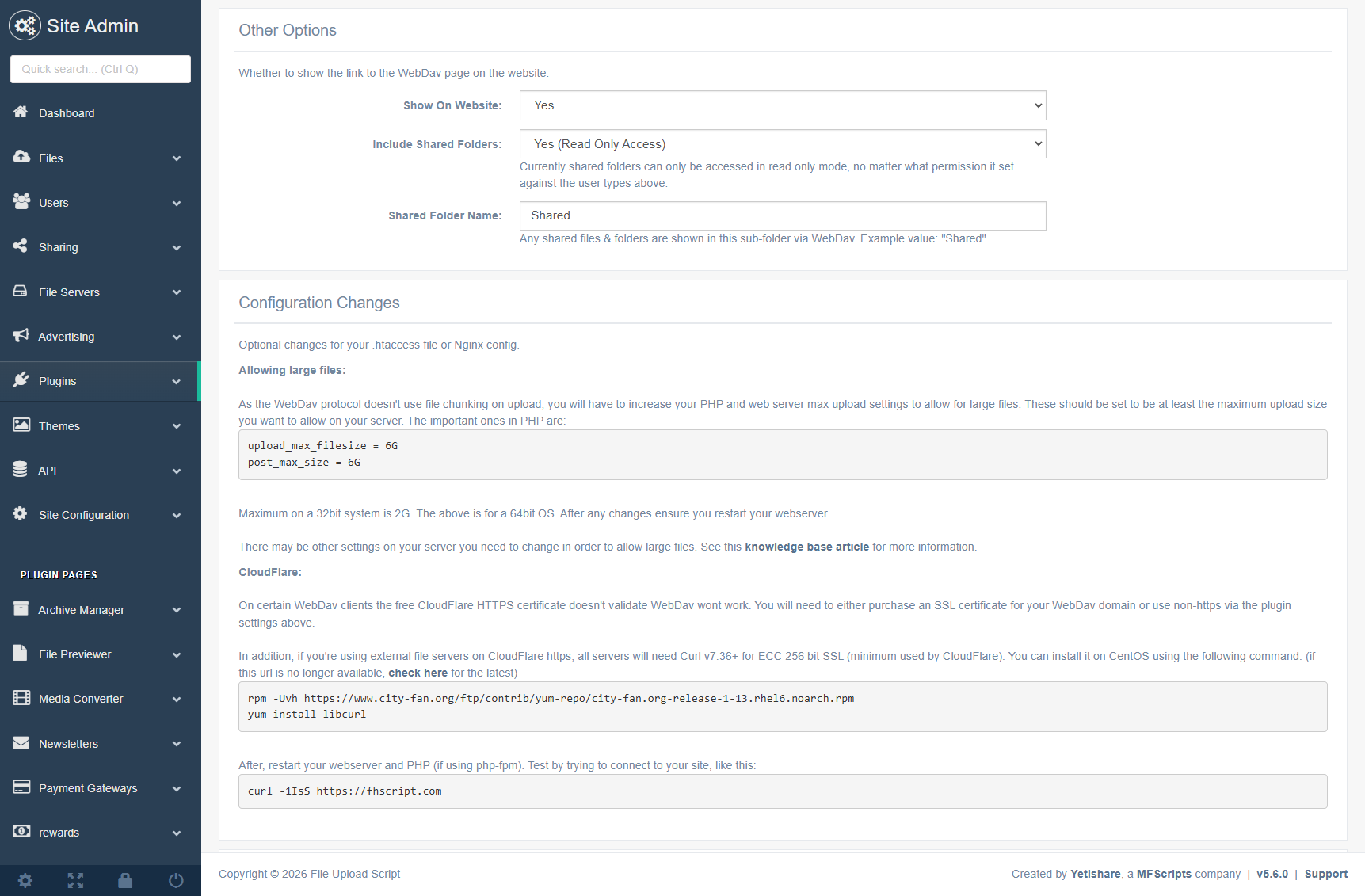
- Whether to show the WebDAV front-end page on the website. Useful if you don't want to advertise it and use it for your own use.
- The details of the additional configuration changes you need to make.
- Full support for Apache & Nginx.
Capturas
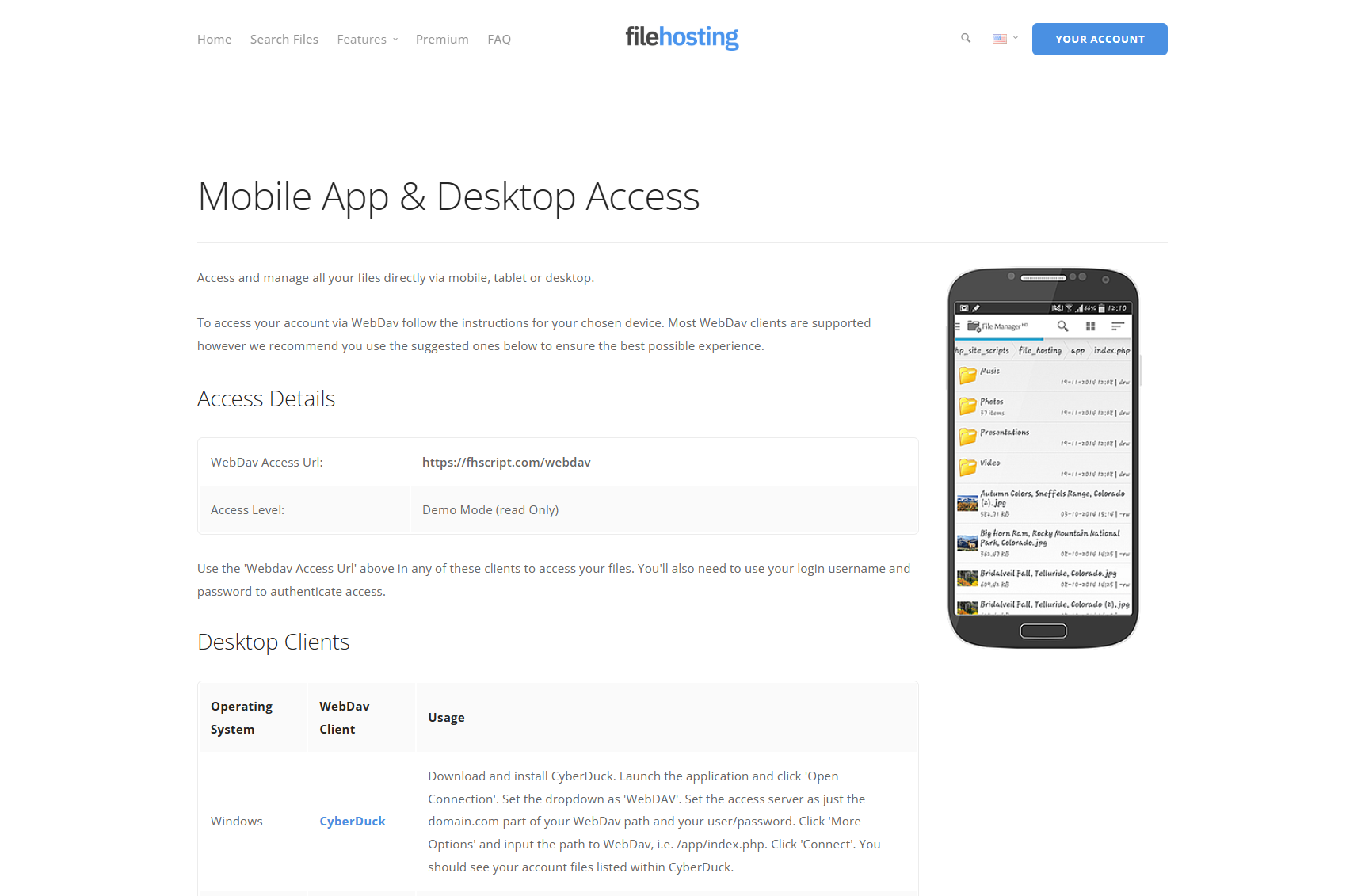
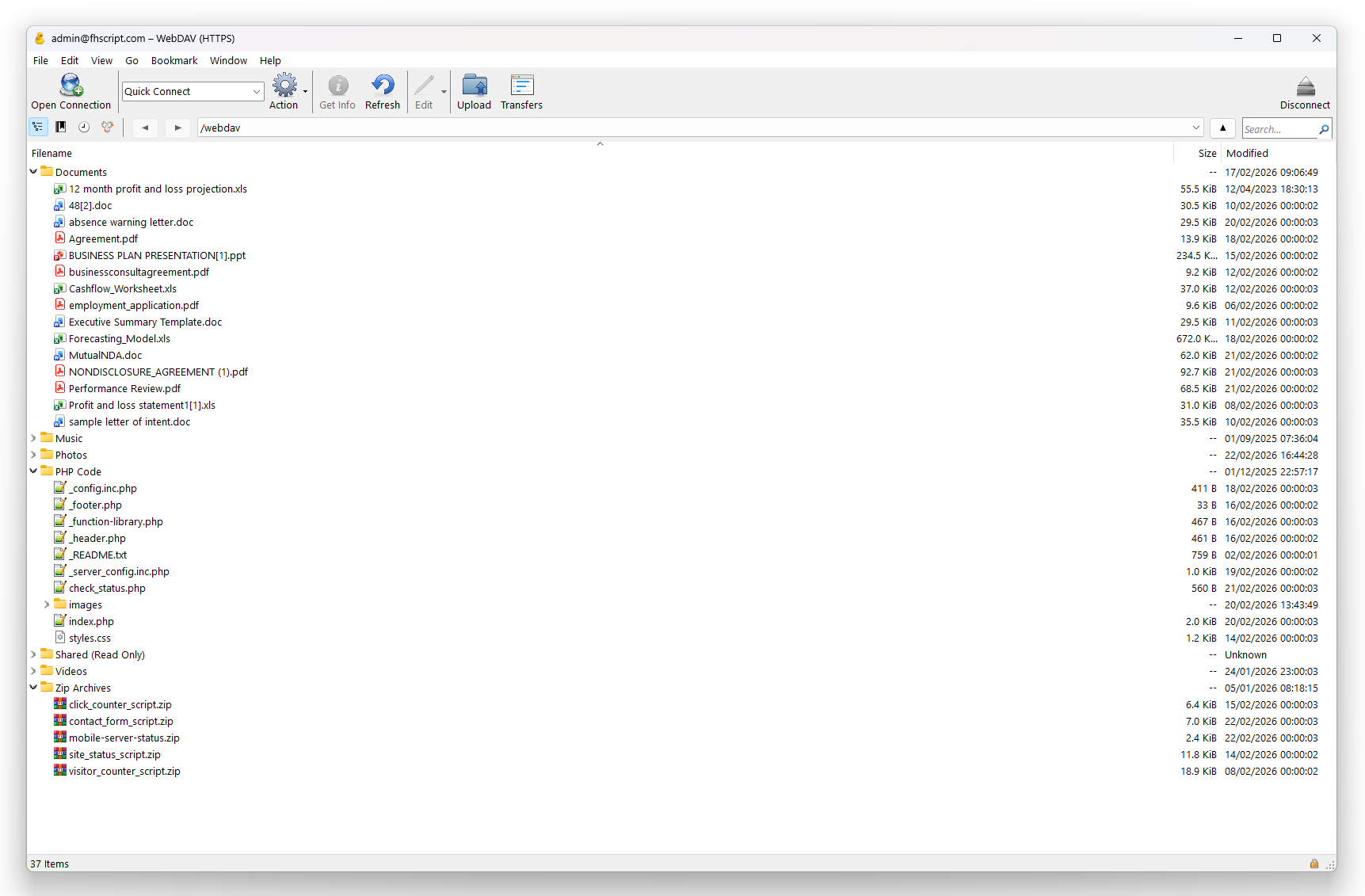
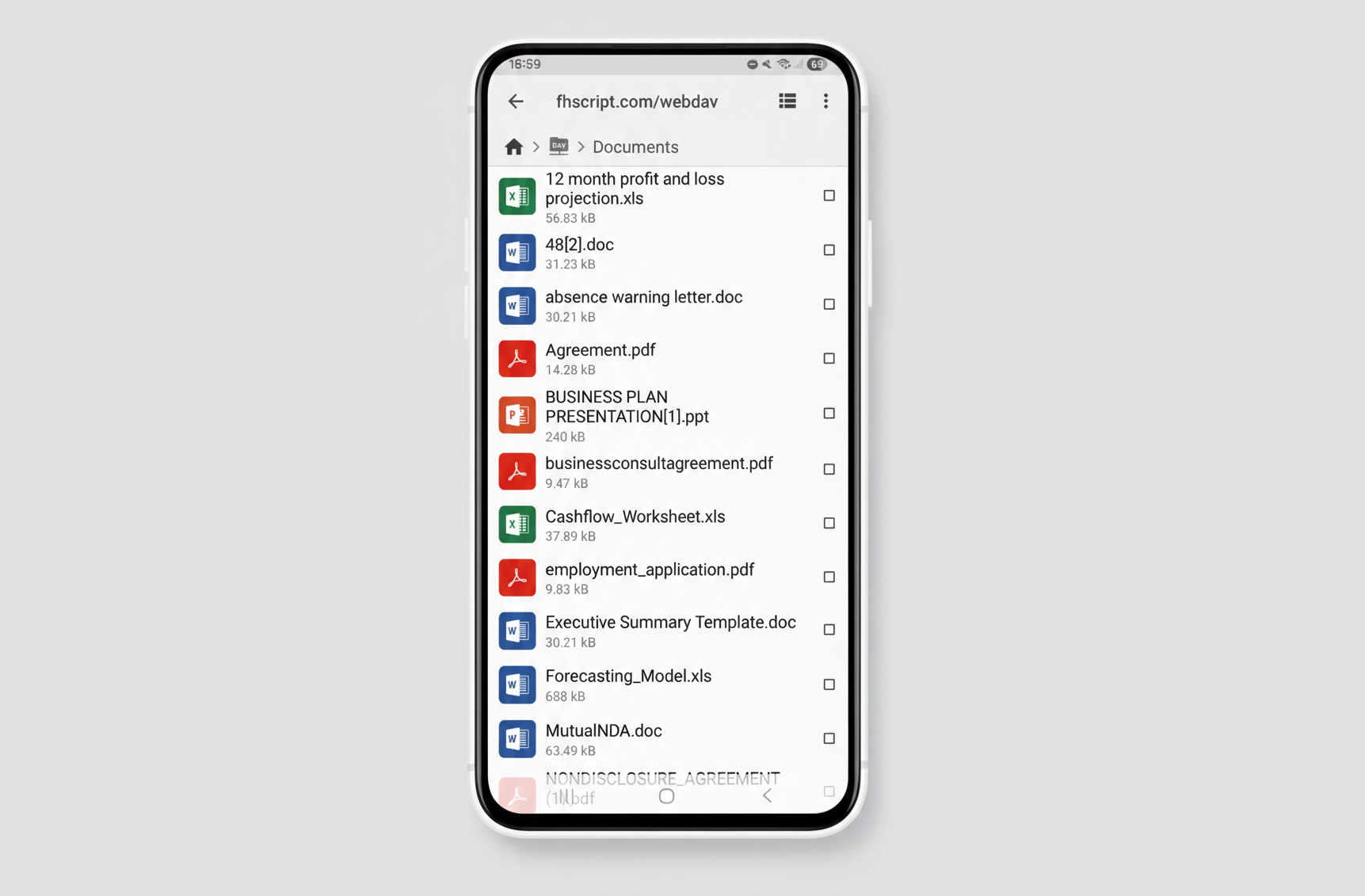
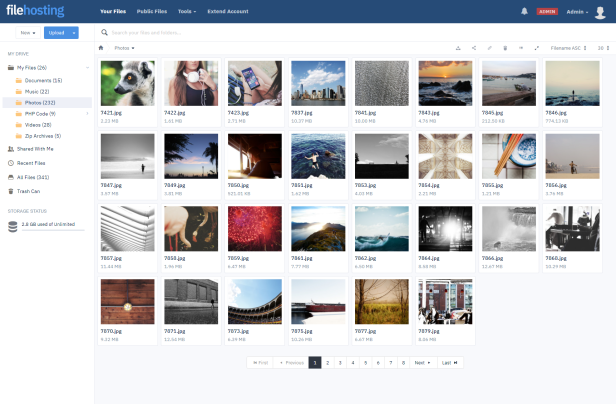
Mobile & Desktop App Access Demo
Usa las secciones siguientes para ver una demo totalmente funcional del plugin.
Try It Now!
- On Windows, download Cyberduck — https://cyberduck.io. (For other OS see the WebDAV Clients.)
- Install and choose to add a new WebDAV connection (HTTPS).
- Set the details as:
Server: https://fhscript.com/webdav
Username: admin
Password: Password@Demo
- Click 'connect'.
- You'll now have access to the files on the demo site, via your desktop. Note that this will be in read only mode as it's just a demo.
- If you have any issues see the WebDAV Plugin page for all the supported clients.
Requisitos del plugin
Los siguientes requisitos son necesarios para que este plugin funcione correctamente.
- PHP 7.2+
- Curl.
- Large PHP upload settings if you want to allow larger files. WebDAV doesn't support file 'chunking' so you'll need to allow receiving larger files on all servers. Details included on the plugin admin settings page.